Results
Read your scan results
Where to find scans, and what the numbers mean.
Each code's page has its own Analytics. The Dashboard shows your whole team, and a folder's Analytics button shows the codes in that folder.
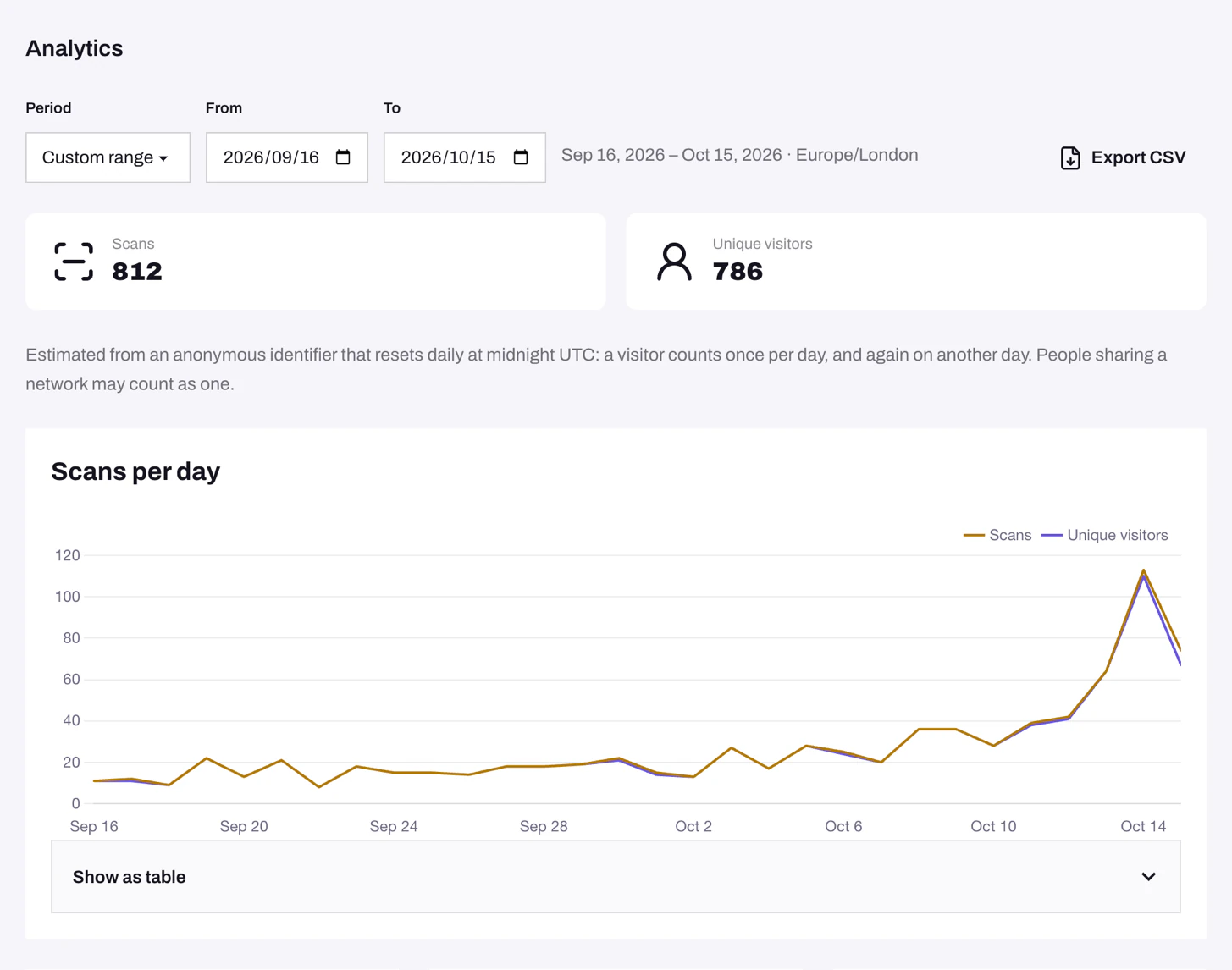
Pick the right view
- One code: open it from the QR codes list.
- A campaign: put its codes in a folder, open the folder, then click Analytics. This includes all scans for codes currently in the folder, including codes in the trash. Moving a code changes which folder’s report includes its past scans.
- Everything: open the Dashboard. It also lists your Top QR codes.
Use Period to switch between the last 7, 30 or 90 days, or set a Custom range of up to a year. Days follow your team's timezone.
What the numbers mean
- Scans: visits through the code’s short link. Opening the short link directly counts too; QR BASE cannot tell it apart from scanning the printed code. Recognised bots and link previews are excluded.
- Unique visitors: an estimate based on a visitor identifier that resets at midnight UTC. The same identifier counts once within a UTC day and again on another UTC day. Chart dates follow your team’s timezone, so the visitor reset may happen partway through a chart day. People on the same network may count as one, and one person using different browsers or networks may count more than once.
- Countries, Cities, Devices, Operating systems and Browsers show the top six, and everything else goes under Other.
Problems
- The numbers look lower than expected. Recognised bots and link previews aren't counted. Sharing a short link in WhatsApp or Slack, for example, doesn't add a scan.
- Scans land on the wrong day. Check your team's Timezone in Team settings.
- Location says "Unknown". Some networks can't be matched to a location.
Still need help?
Email us and we will get back to you.